










Choosing the right tools for your WordPress website can make or break your digital growth. Among those tools, page builders play a central role. They define how quickly you can design pages, how flexible your layouts are, and how well your site performs across devices. With dozens of options available, finding the best WordPress page builder is not as straightforward as it seems.
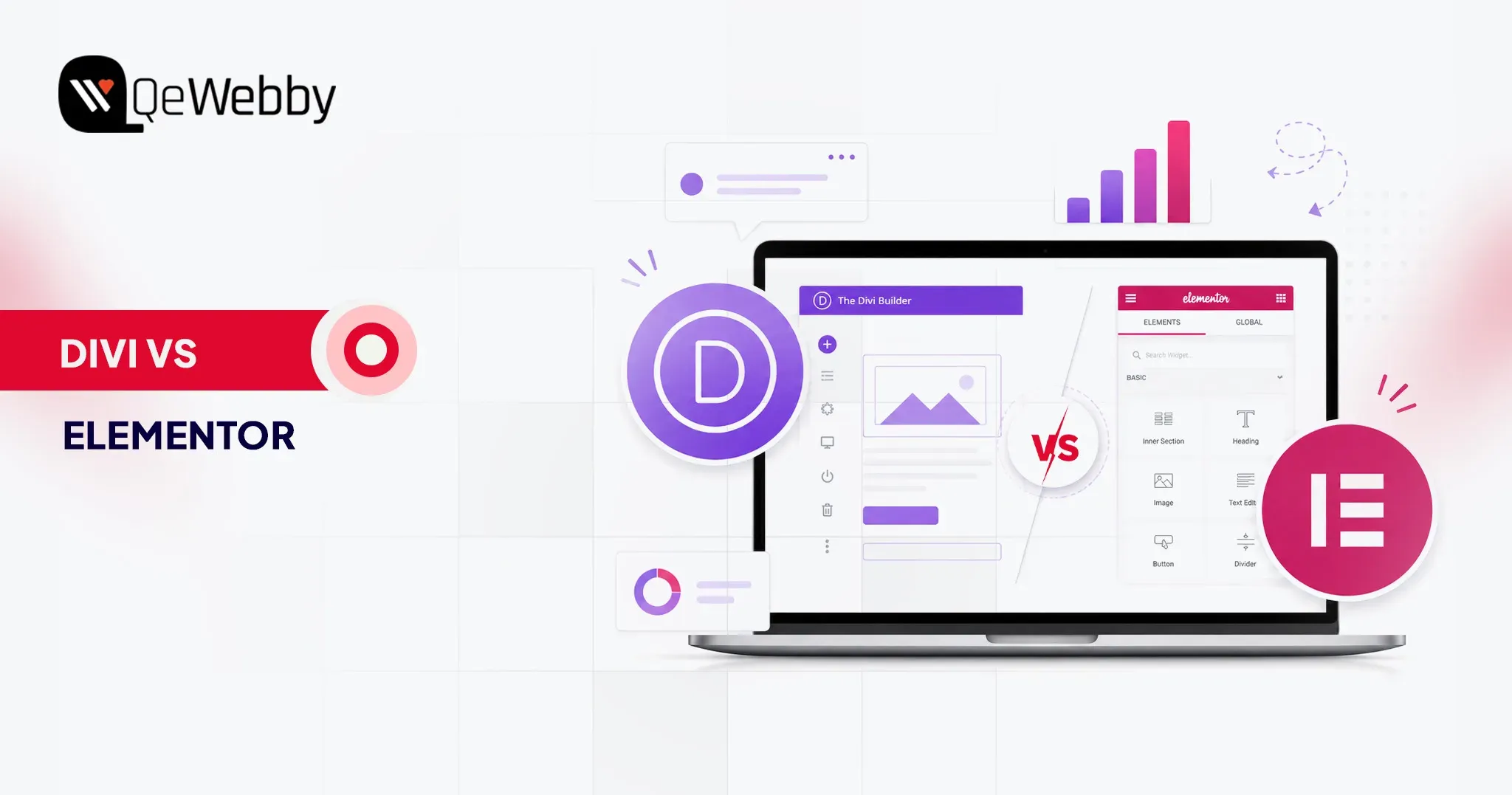
This is where the comparison of Divi vs Elementor becomes highly relevant. Both are powerful, widely used, and packed with features. Yet, they differ in how they handle speed, usability, customization, and scalability. What works perfectly for one business might create limitations for another. That is why understanding their strengths and trade-offs is critical before making a decision.
Selecting the wrong page builder can lead to slower load times, restricted design control, and higher maintenance effort over time. On the other hand, the right choice can streamline your workflow and improve user experience.
In this blog, we will break down Divi vs Elementor across key factors like performance, ease of use, pricing, and real-world usability, helping you confidently choose the best WordPress page builder for your needs.
Divi vs Elementor: Understanding the Builders Behind the Decision
Not all page builders deliver the same experience once you move beyond the surface. The Divi vs Elementor comparison is less about which has more features and more about which aligns better with your workflow, performance needs, and long-term goals. Before choosing the best WordPress page builder, it is important to understand how each one truly operates in real-world scenarios.
What is Divi?
Divi is a powerful visual builder developed by Elegant Themes, designed to simplify website creation without compromising on design depth. Known as the Divi WordPress builder, it combines a theme and a page builder into one unified ecosystem. This means you are not just editing pages; you are controlling the entire site structure with consistency. For users exploring Divi vs Elementor, Divi often stands out for its design flexibility and built-in editing experience that feels seamless and intuitive.
It is particularly favored by designers and agencies that want complete creative control while maintaining reusable design systems across projects.
Key Features of Divi
- True visual front-end editing with real-time changes
- Built-in theme builder for headers, footers, and templates
- Extensive design modules and layout packs
- Global elements and styles for consistency
- Advanced responsive editing controls
- Integrated A-B testing for conversion optimization
- No dependency on third-party add-ons for core functionality
What is Elementor?
Elementor is one of the most widely adopted WordPress builders, powering millions of websites globally according to BuiltWith technology usage data. It focuses on ease of use, speed, and scalability, making it a strong contender for the best WordPress page builder. When comparing Divi vs Elementor, Elementor often appeals to users who want granular control through widgets and a lightweight editing experience that integrates smoothly with various themes.
Its ecosystem is vast, allowing users to extend functionality through plugins and third-party tools, which makes it highly adaptable for different project needs.
Key Features of Elementor
- Intuitive drag and drop editor with a clean interface
- Wide range of widgets for design and functionality
- Theme builder for customizing site-wide elements
- Popup builder for marketing and lead generation
- Strong third-party plugin ecosystem
- Advanced motion effects and animations
- Flexible styling and typography controls
Divi vs Elementor: Feature-by-Feature Comparison That Impacts Your Choice
| Feature | Divi WordPress Builder | Elementor |
|---|---|---|
| Ease of Use | Visual front-end editing, slightly complex at first | Clean UI with sidebar, beginner-friendly |
| Learning Curve | Moderate to high | Low to moderate |
| Design Flexibility | Highly customizable with deep styling controls | Flexible with structured widget-based design |
| Performance & Speed | Improved, but can be heavy if not optimized | Generally faster and lighter by default |
| Pricing Model | Yearly and lifetime plans | Subscription-based with multiple tiers |
| Value for Money | High for long-term and multiple sites | Good for short-term or single-site usage |
| Built-in Features | Extensive, fewer external plugins needed | Core features are strong, relies on add-ons |
| Integrations | Limited compared to Elementor | Large ecosystem of third-party integrations |
| WooCommerce Support | Strong customization options | Equally strong with more plugin flexibility |
| Global Design Controls | Advanced global styles and reusable elements | Available but less centralized |
| Support & Community | Good support, strong design-focused community | Massive global community and resources |
| Best For | Designers, agencies, branding-focused builds | Beginners, marketers, scalable projects |
Picking the best WordPress page builder is rarely a quick decision. On paper, both tools promise speed, flexibility, and control. In reality, the experience can feel very different once you start building pages, managing layouts, and optimizing performance.
Ease of Use
According to Statista, mobile devices account for more than half of global website traffic, making mobile optimization a critical factor when selecting a WordPress page builder.
Ease of use is not just about drag-and-drop functionality. It is about how quickly you can move from idea to execution without second-guessing your steps. A builder that feels intuitive reduces rework, speeds up delivery, and improves overall productivity for teams and individuals.
- The Divi WordPress builder offers a fully visual editing experience that places design controls directly on the page. This approach feels natural once you get used to it, especially for users who prefer real-time interaction. However, the interface includes multiple layers of settings, which can feel overwhelming in the beginning. It rewards users who invest time in learning its system.
- Elementor follows a more structured layout with a fixed sidebar and clear widget-based controls. This separation makes navigation simple and predictable, especially for beginners. You can quickly locate elements, adjust settings, and preview changes without confusion. It is designed to reduce the learning curve and help users build faster from day one.
Design Capabilities and Flexibility
Design flexibility defines how unique and scalable your website can become. The best WordPress page builder should allow you to move beyond templates and create experiences that align with your brand and business goals.
- Divi stands out with its deep design customization options. From advanced styling controls to global design settings, it allows you to fine-tune every element on the page. The ability to reuse layouts and apply global changes adds efficiency, especially for larger projects. It is particularly strong for users who want complete creative freedom within a single ecosystem.
- Elementor offers powerful design capabilities through its modular widget system. Each widget can be customized with precision, giving users strong control over layout and styling. While slightly more structured than Divi, it provides enough flexibility for most use cases. Its third-party extensions further enhance what you can achieve visually.
Performance and Speed
Website performance directly impacts user experience, conversions, and search rankings. Even the most visually appealing design loses value if the site loads slowly or struggles to perform under real conditions.
- Divi has made noticeable improvements in performance through features like dynamic CSS and optimized asset loading. However, complex designs with heavy modules can still increase load time if not optimized properly. It requires a more mindful approach to maintain speed and efficiency.
- Elementor is generally perceived as more lightweight in its default setup. It delivers faster load times when paired with optimized themes and hosting. That said, overusing widgets or relying heavily on add-ons can gradually impact performance. Proper optimization practices are still essential.
Pricing and Value for Money
Cost is not just about the initial investment. It is about how pricing aligns with your long-term usage, scalability, and the number of projects you manage.
- Divi offers a straightforward pricing structure with both yearly and lifetime plans. The lifetime option is especially attractive for agencies or freelancers working on multiple websites. It provides long-term value without recurring costs, making budgeting more predictable.
- Elementor follows a subscription-based pricing model with multiple tiers depending on usage. This makes it accessible for beginners, but costs can increase over time as you scale. The value depends on how extensively you use its premium features across projects.
Integrations and Add-ons
Modern websites often rely on multiple tools working together. Integration capabilities determine how easily your builder fits into your broader tech stack.
- Divi comes with a wide range of built-in features, reducing the need for additional plugins. While it supports integrations, its ecosystem is more self-contained. This can simplify management but may limit flexibility in certain advanced use cases.
- Elementor excels in integrations and add-ons. Its open ecosystem allows you to extend functionality with a wide range of third-party plugins. Whether it is marketing automation, advanced design elements, or analytics tools, the possibilities are extensive.
Support and Community
Strong support and an active community can significantly influence your experience, especially when dealing with complex builds or troubleshooting issues.
- Divi provides dedicated support along with detailed documentation and tutorials. Its community is active and particularly strong among designers and agencies. Users often benefit from shared resources, layouts, and practical insights.
- Elementor has one of the largest communities in the WordPress space. From forums to tutorials and third-party resources, help is widely available. Official support quality varies by plan, but the overall ecosystem makes it easier to find solutions quickly.
Divi vs Elementor: Pros and Cons You Should Know Before Choosing
Before you finalize a page builder, it helps to look beyond features and understand the real advantages and limitations. The Divi vs Elementor debate often comes down to how each tool performs in everyday use, not just what it promises on paper. This section breaks down the pros and cons in a clear, practical way so you can evaluate what fits your workflow, team structure, and goals.
Pros of Divi
- Strong visual editing experience that lets you design directly on the page
- Deep customization controls for layouts, spacing, and styling
- Built-in features reduce dependency on multiple plugins
- Global elements and reusable styles improve consistency across pages
- One pricing model with a lifetime option offers long-term value
- Ideal for designers who want full creative control
Cons of Divi
- Learning curve can feel steep for first-time users
- The interface can become overwhelming due to multiple settings layers
- Performance may require additional optimization for complex designs
- Limited third-party ecosystem compared to competitors
- Can feel heavier when handling large-scale or dynamic websites
Pros of Elementor
- Clean and structured interface that is easy to navigate
- Faster onboarding for beginners and non-technical users
- Lightweight performance in default setups
- Large ecosystem of third-party plugins and integrations
- Flexible widget system for building dynamic layouts
- Strong community support and learning resources
Cons of Elementor
- Advanced features often require paid plans
- Over-reliance on add-ons can impact performance
- Design consistency may require more manual control
- Pricing increases as you scale across multiple sitesc
- Some customization limits compared to more design-focused builders
Divi vs Elementor: Who Should Use Which Builder?
Not every page builder fits every user. The real decision in the Divi vs Elementor comparison depends on how you work, what you prioritize, and how complex your projects are. The best WordPress page builder for you is the one that aligns with your workflow, not just the one with the most features. Here is how each builder fits different types of users and use cases.
Who Should Use Divi?
The Divi WordPress builder is best suited for users who want complete control over design and prefer an all-in-one ecosystem. It works well for those who value consistency, reusable design systems, and deeper customization without relying heavily on third-party tools.
Ideal for:
- Design-focused freelancers who want pixel-level control and creative flexibility
- Agencies managing multiple websites that benefit from global styles and reusable layouts
- Business owners are focused on branding and want a visually unique website experience
- Teams looking for long-term value with a one-time investment approach
Divi becomes especially powerful when you are building multiple pages with consistent design patterns. It rewards users who invest time in mastering its interface.
Who Should Use Elementor?
Elementor is a strong choice for users who prioritize ease of use, speed, and flexibility through integrations. It is often considered the best WordPress page builder for those who want to get started quickly while keeping the option to scale with additional tools.
Ideal for:
- Beginners and non-technical users who need a simple and intuitive interface
- Developers and marketers who rely on integrations and third-party plugins
- Startups and small businesses looking for quick deployment and fast iterations
- Agencies need flexibility across different types of client requirements
Elementor works best when you need adaptability. Its ecosystem allows you to extend functionality based on project needs without being locked into a single system.
Conclusion
The Divi vs Elementor decision is not just about selecting a tool. It is about setting the foundation for how your website evolves over time. The best WordPress page builder should support growth, simplify execution, and adapt to changing business needs without creating technical debt. That is why making the right choice early can save both time and resources later.
At QeWebby, we approach builders like the Divi WordPress builder and Elementor from a performance and scalability lens, not just design. Our focus is on aligning the right technology with your business goals to ensure long-term success. If you are planning your next build or migration, contact us to explore the right solution for your website.